Straight answers on custody, keys, rate limits, and data accuracy.
Everything about how the browser vault, broker relay, and subscription billing behave in practice.
Ready to inspect your own symbols?
Start in Paper mode with a free account, or open the desk directly in your browser.
Is GreeksView a broker? Do you hold my money?
No. GreeksView is an analytics and order-entry interface. Your funds and positions live at your broker (Alpaca) under your own account and agreements. Orders route through your own API credentials into that account.
Where exactly do my API keys go?
Your Alpaca API keys are encrypted in your browser and are never stored on our servers. Alpaca market-data requests go from your browser straight to Alpaca. Account, position and order requests pass through our broker relay, which forwards your credential on that single request and does not store or log it. Our sync API rejects secret keys outright. Connecting with Alpaca OAuth follows the same rule: the access token is handed to your browser once and lives there under the same encryption, never in our database.
Can I practice without risking money?
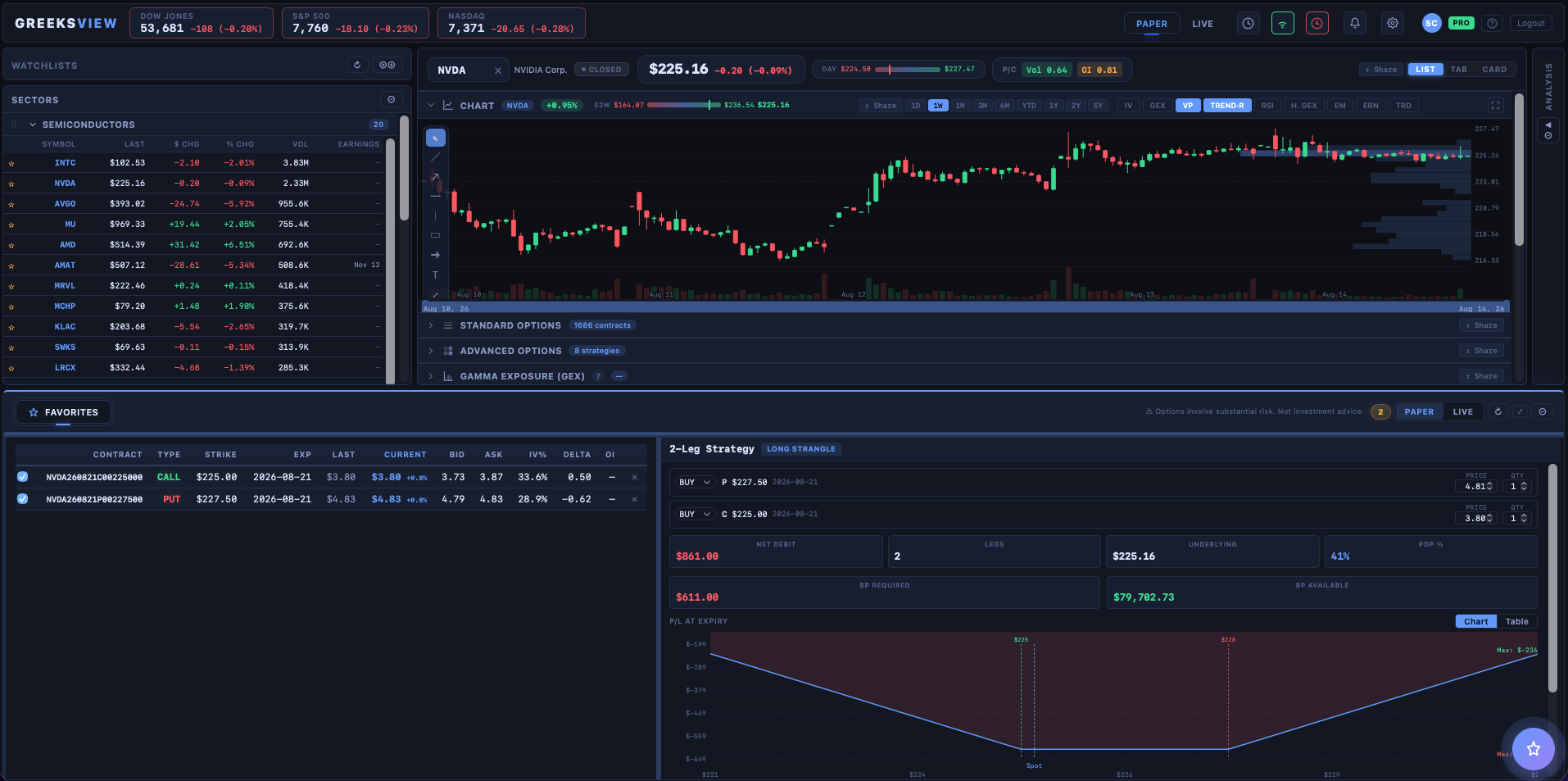
Yes — Alpaca paper-trading keys are free and the desk works identically in paper mode: full chain, order ticket, portfolio and alerts. A guided setup wizard tests your connection before you start.
A section showed data for a few seconds and then asked me to upgrade. Is that a bug?
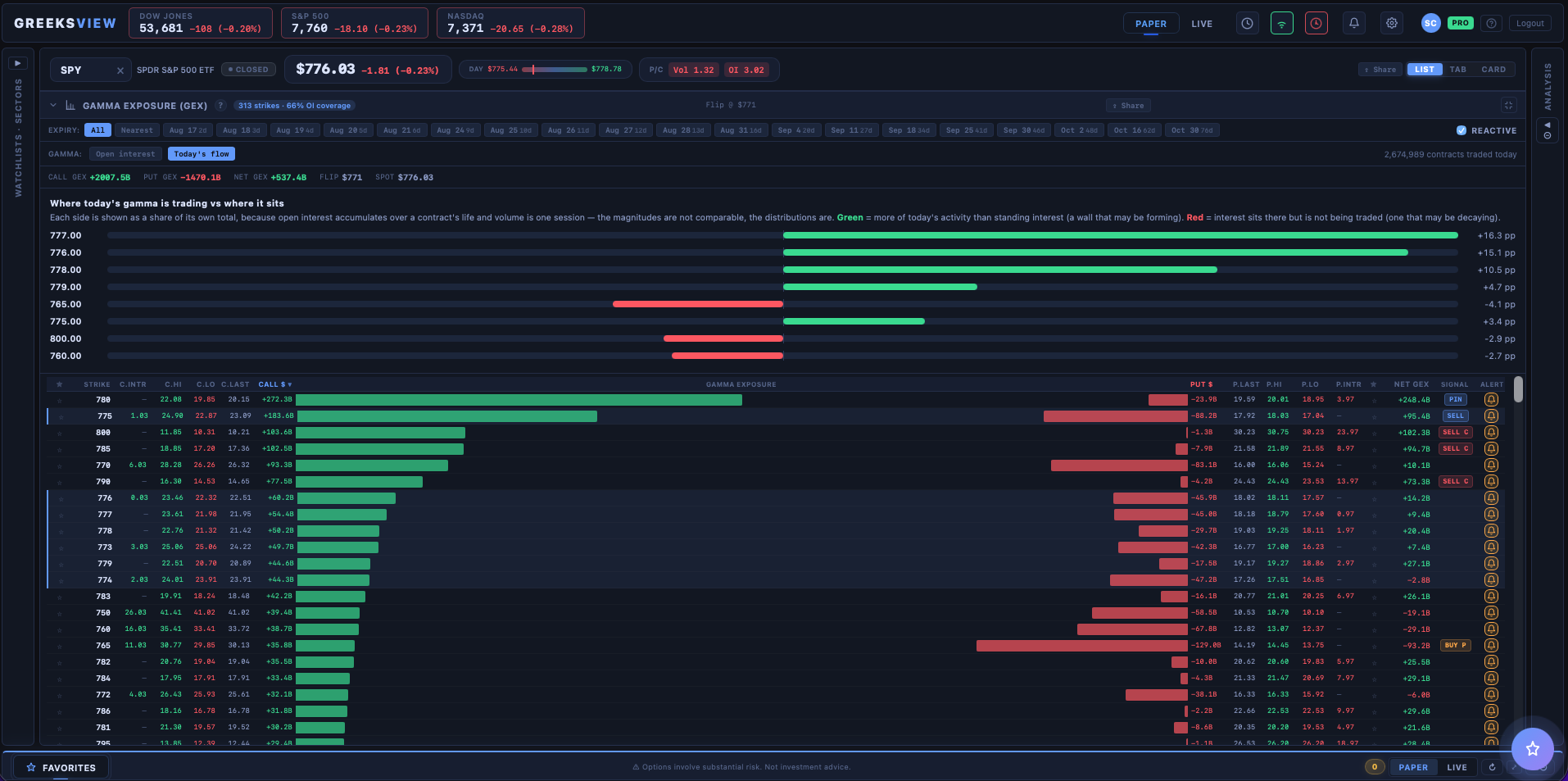
No — that is the preview. Gamma Exposure is a Pro feature, and a free account sees it running on your own symbols for a few seconds before it asks you to upgrade. Delta Exposure works the same way. So does the 0–1 DTE scanner. You are seeing the real thing, not a screenshot, which is the point. Everything else in the desk stays available.
It says "Pausing requests for 40s after hitting a rate limit". Did I break something?
No, and there is nothing to fix. Your broker meters how many requests a set of API keys may make per minute. When the desk reaches that ceiling it backs off and resumes on its own — the countdown is telling you it already handled it. It happens most often with many sections open at once, or when another app or script is using the same keys. Closing sections you are not reading will keep you under the cap.
I picked several 0–1 DTE contracts across different tickers. Is that one order or several?
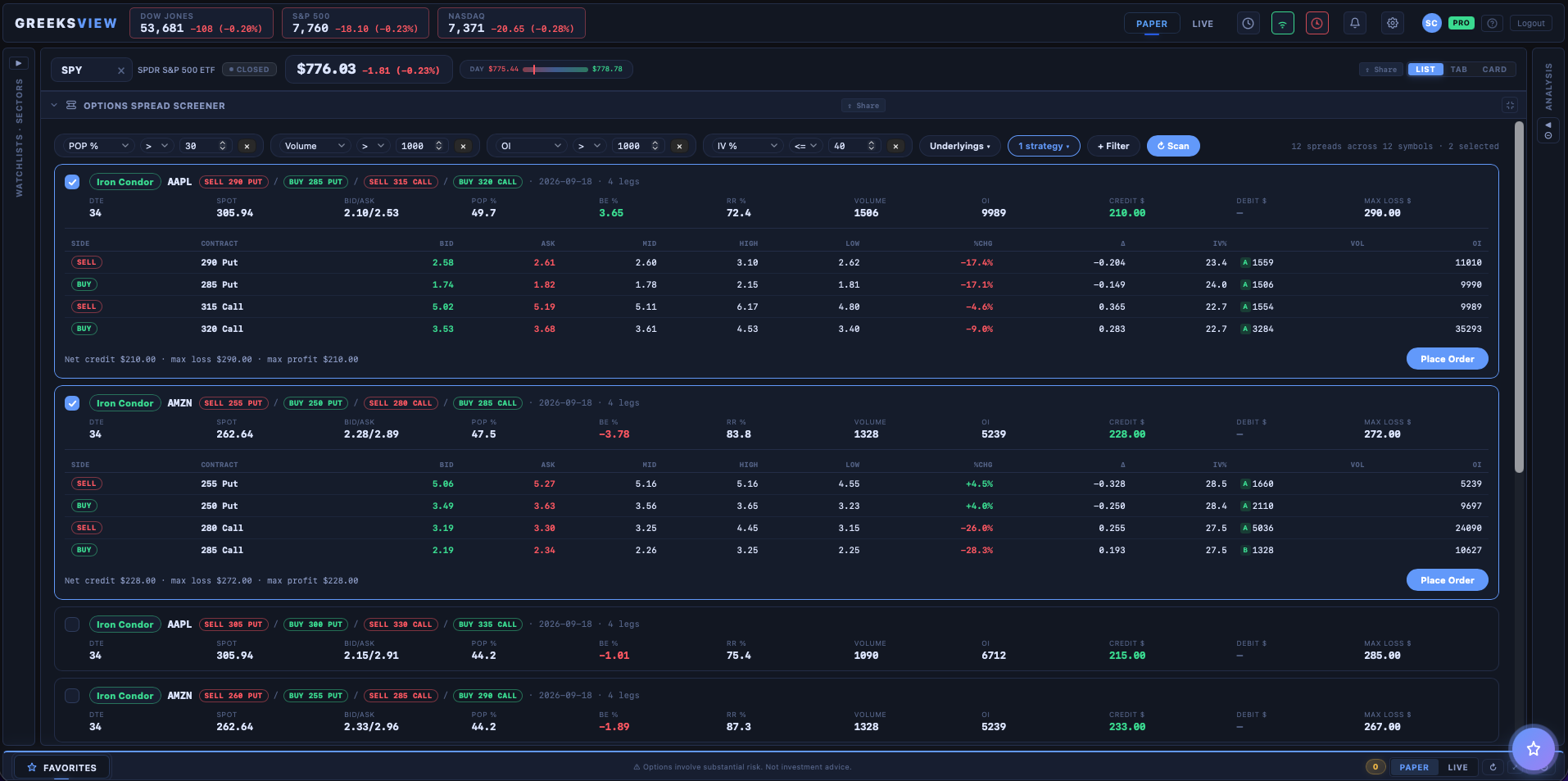
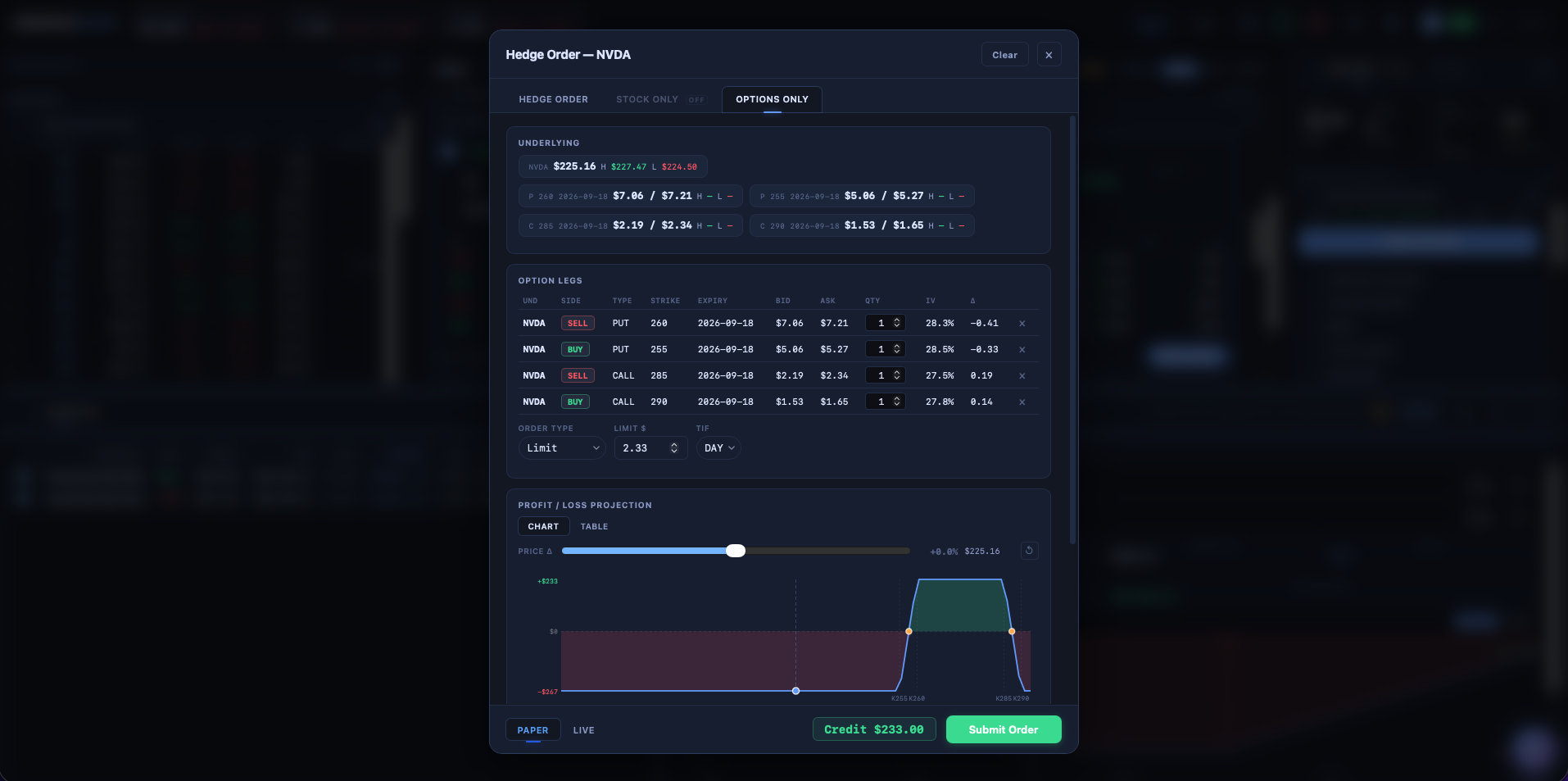
Several — one order per contract, submitted one after another. That is deliberate: contracts on different underlyings cannot be a single multi-leg order, and same-day expiries are usually meant to fill independently rather than as a package. Each carries its own limit price, which you can edit per row before submitting, and the confirmation tells you exactly how many orders are about to go out. Some may fill while others do not. Ordinary spreads built from the options chain still go out as one multi-leg order.
My chain or chart is empty. What now?
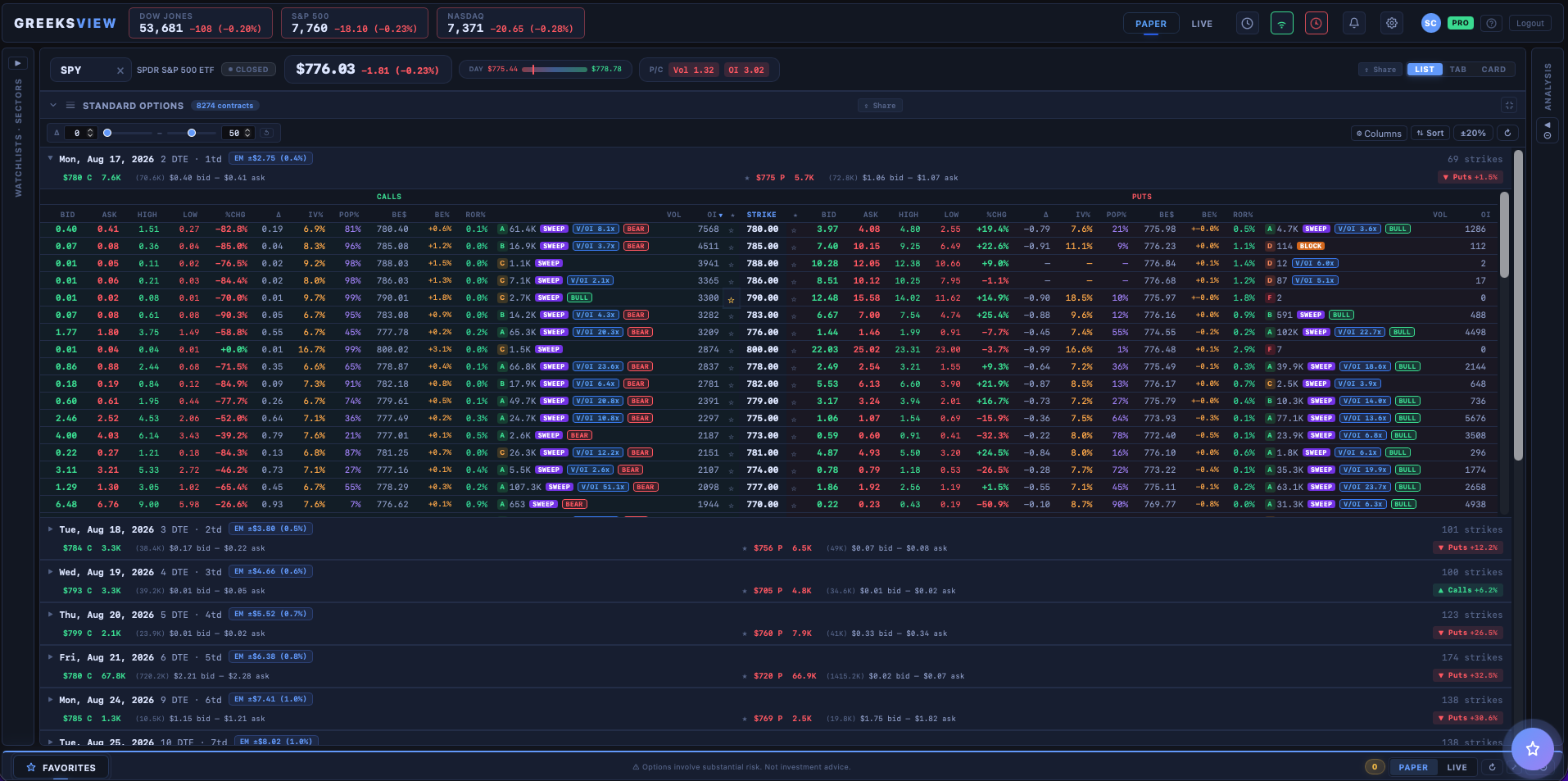
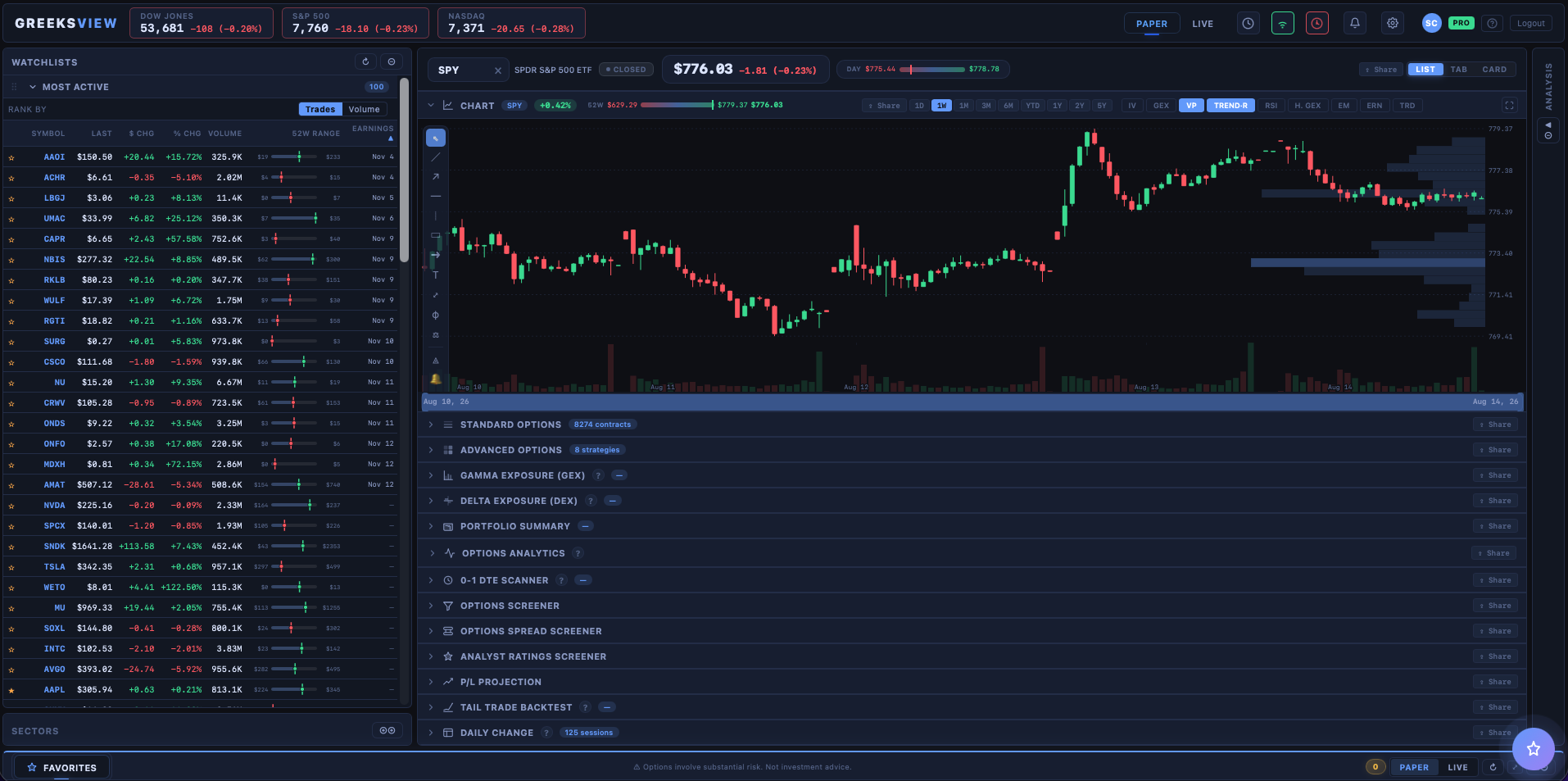
If you have connected Alpaca, the usual cause is the keys: open Settings → API and check that keys are saved for the environment you are in — paper and live keys are separate, and paper keys will not load a live chain. Figures from our licensed provider need no keys, so check the screen's source and delay label, and confirm the symbol actually has listed options: the desk shows an empty chain rather than inventing one. Some data also depends on which Alpaca plan you are on, so an endpoint your plan does not include will simply return nothing.
How do I cancel, and what happens to my access?
One click in the billing portal, no email required. Cancelling schedules the end of your subscription rather than cutting you off — you keep Pro until the end of the period you have already paid for, then the account reverts to Free. Nothing is deleted, and re-subscribing later picks up where you left off. Fees already paid are not refunded except as the Terms state, where we choose to grant a refund, or where the law requires it.
What happens if I delete my account?
It is irreversible, so export first — the same screen offers a JSON copy of your account data. Deletion cancels any active subscription straight away (unused time is not refunded unless the terms or the law require it) and removes your account record, your saved settings and layout, your sign-in and security-log history, your usage records and any pending email tokens. It also removes your shared chart snapshots. Stripe keeps its own customer and payment records under its own policy. Your broker API keys are not part of any of this, because they were never on our servers: they live in your browser and go away when you clear it. Positions and orders live at your broker and are unaffected.
Are the numbers live, and can I rely on them?
Figures built from your broker's feed are as live as that feed — computed in your browser from the chain as it arrives, with nothing from that feed cached on our side or recomputed on a schedule. Data from our licensed provider is different: options figures are fair-market-value estimates (no bid or ask), stock and ETF quotes are delayed, each screen labels which it shows, and our servers cache that data. Stored end-of-day option chains carry the session's closing bid and ask, always labelled EOD with their date; realtime options quotes are absent. That said, quotes can be delayed or incomplete depending on your data plan, and every analytic here is a model of the market rather than a fact about it. Check any figure you are about to trade on against your broker before you act on it.